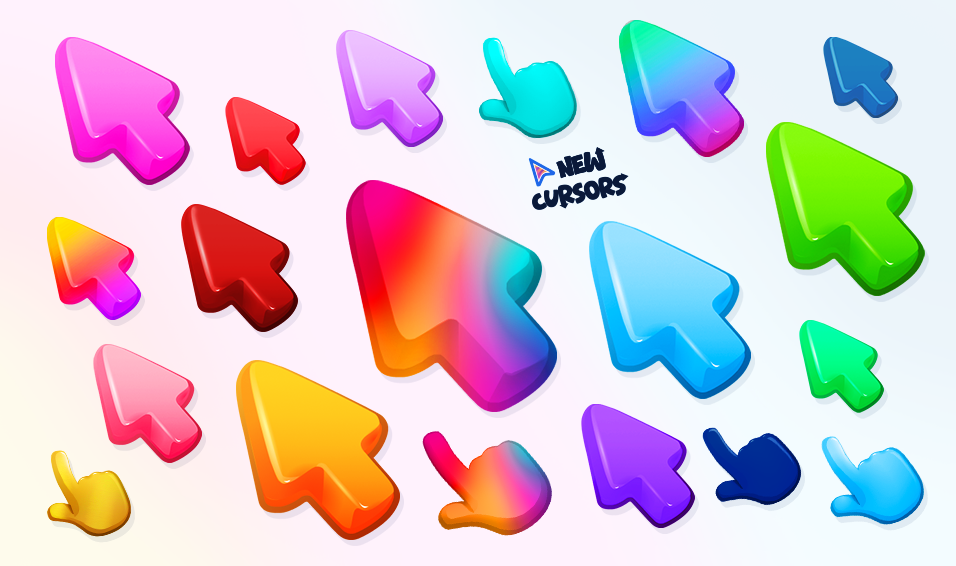


New Cursors is a browser extension using which you can change a default mouse cursor into a cool custom cursor.

Successful Installation
Nice to see you here!
Before you start
- Due to Google policy restrictions, extensions cannot change cursor on Chrome WebStore, New Tabs and other inner browsers pages.
- If you already have another extension with cursors installed, turn it off so that there is no extension conflict.
- If you’re experiencing some issues, reload your tabs or restart the browser.
Before you start
- Due to Google policy restrictions, extensions cannot change cursor on Chrome WebStore, New Tabs and other inner browsers pages.
- If you already have another extension with cursors installed, turn it off so that there is no extension conflict.
- If you’re experiencing some issues, reload your tabs or restart the browser.
Get Started
Click on the New Cursors icon in your Chrome toolbar. If the icon is not visible, click on the puzzle icon and Pin the extension for quick access.

Change Your Cursor
In the popup menu, browse through various cursor options. Click any cursor to apply it immediately.

Using Advanced Features
Use the search here to find specific cursors. Click the heart icon to add cursors to your favorites.